What is inside a hard drive
A classic mechanical hard drive is a small sealed machine. Open it and you find:
- A metal casing, often aluminium. It is the biggest share of the weight.
- Platters: one or more rigid disks, in aluminium or glass, coated with a magnetic layer where the data is written. They spin at several thousand revolutions per minute.
- Read heads, at the end of an arm that flies over the platters on a cushion of air a few nanometres thick.
- Magnets, very strong, that move the arm. They are made of neodymium, a metal from the rare earth family.
- A circuit board: a controller, memory, a connector, with a little gold on the contacts.
- Small parts in plastic and rubber: seals, filters, screws.
An SSD has no platter and no magnet: it is a circuit board with memory chips in a case.
How Lost Wallet shows it
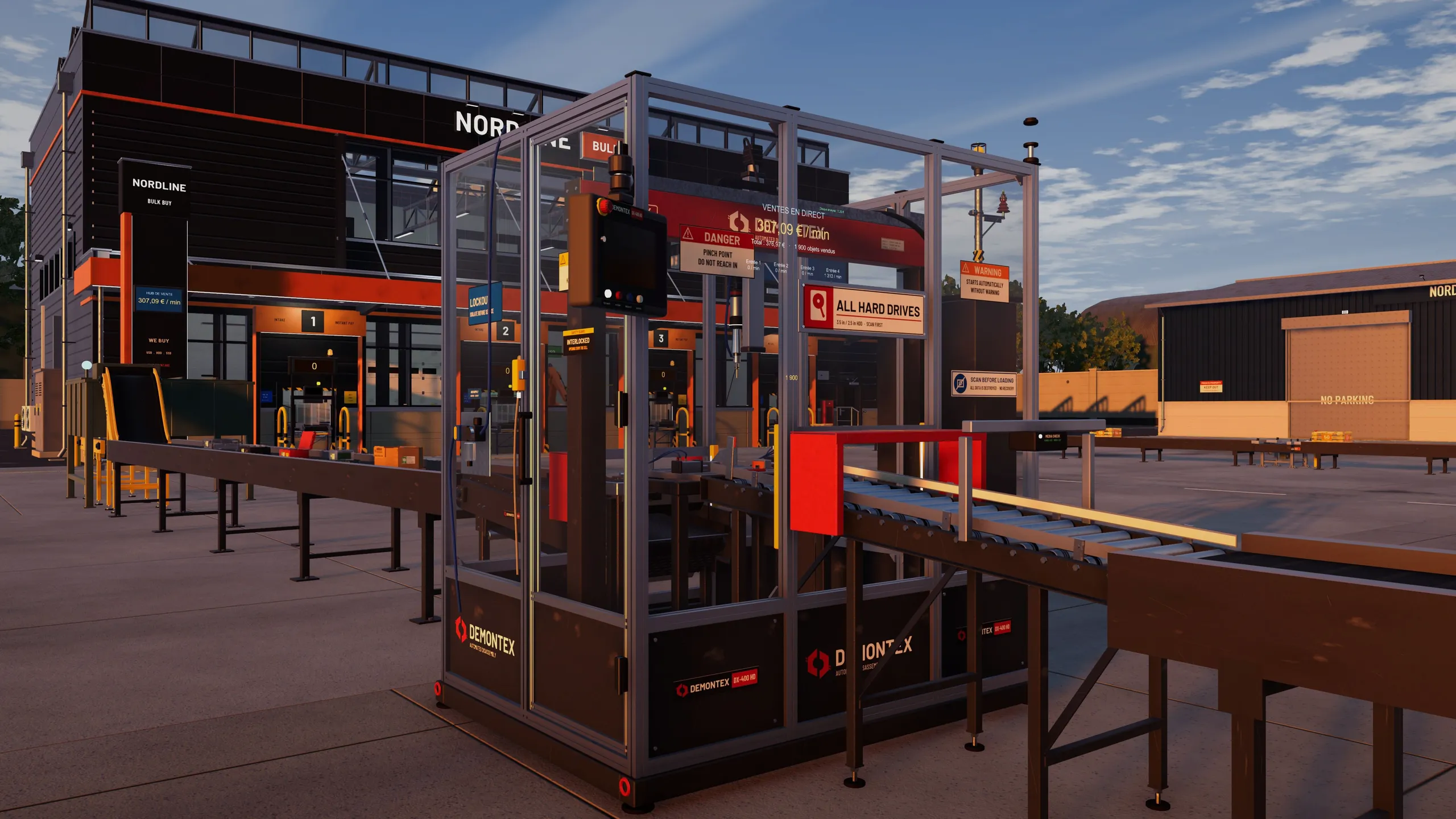
In the game, the disassembler takes a drive apart into an aluminium casing, two platters, one magnet, one circuit board and plastic parts. The game simplifies: a real drive has a varying number of platters. After that, each part goes its own way:
- the shredder turns the plastic and the circuit boards into pellets and powder;
- the smelter makes aluminium and copper ingots, sometimes a small gold bar;
- the extruder turns the pellets into spools of filament;
- the chip recovery bench pulls the memory and controllers off a circuit board, and the SSD assembler reuses them.
A drive that is taken apart and processed brings in far more than a drive sold whole. The machine-by-machine detail is in the machines guide.
Wiping your data before you part with a drive
In the game, an empty drive has no secrets left. In real life, a drive you throw away can still hold your photos, your passwords and your documents. Deleting a file does not erase it. Neither does a quick format: it removes the file table, but the data stays on the platters.
- Mechanical hard drive. One full overwrite of the drive is enough in practice. It takes time, several hours for a big drive.
- SSD. Overwriting is not reliable, because an SSD moves data around by itself. Use the manufacturer's secure erase function or, better, encrypt the drive from the start: then all you have to do is destroy the key.
- A failed drive that you can no longer wipe: destroy it. Drilling through the platters, or having a professional destroy it, is the safest method.
Get into the right habit at purchase: if your drive has been encrypted since day one, a loss or a theft becomes a much smaller problem.
Where to drop off a drive
A drive is not ordinary waste. It goes into the waste electrical and electronic equipment (WEEE) stream. In France, you can drop it off at a recycling centre or a collection point, and a shop that sells you an equivalent device must take back the old one.
A badly discarded drive is sometimes more than waste: lost bitcoin is proof of it, and so is the story of the Newport drive.